
A till that keeps going without a network
The Wi-Fi drops, service carries on.
With EasyClub, a network outage does not stop you taking payments: sales, orders sent and notes stay on the iPad, in order, and go to the venue’s server as soon as the connection is back. Staff can also sign in without a network, with their code. The till is free, with no subscription.
- Sales kept on the iPad
- Code sign-in without a network
- Automatic resume
What happens when the network drops
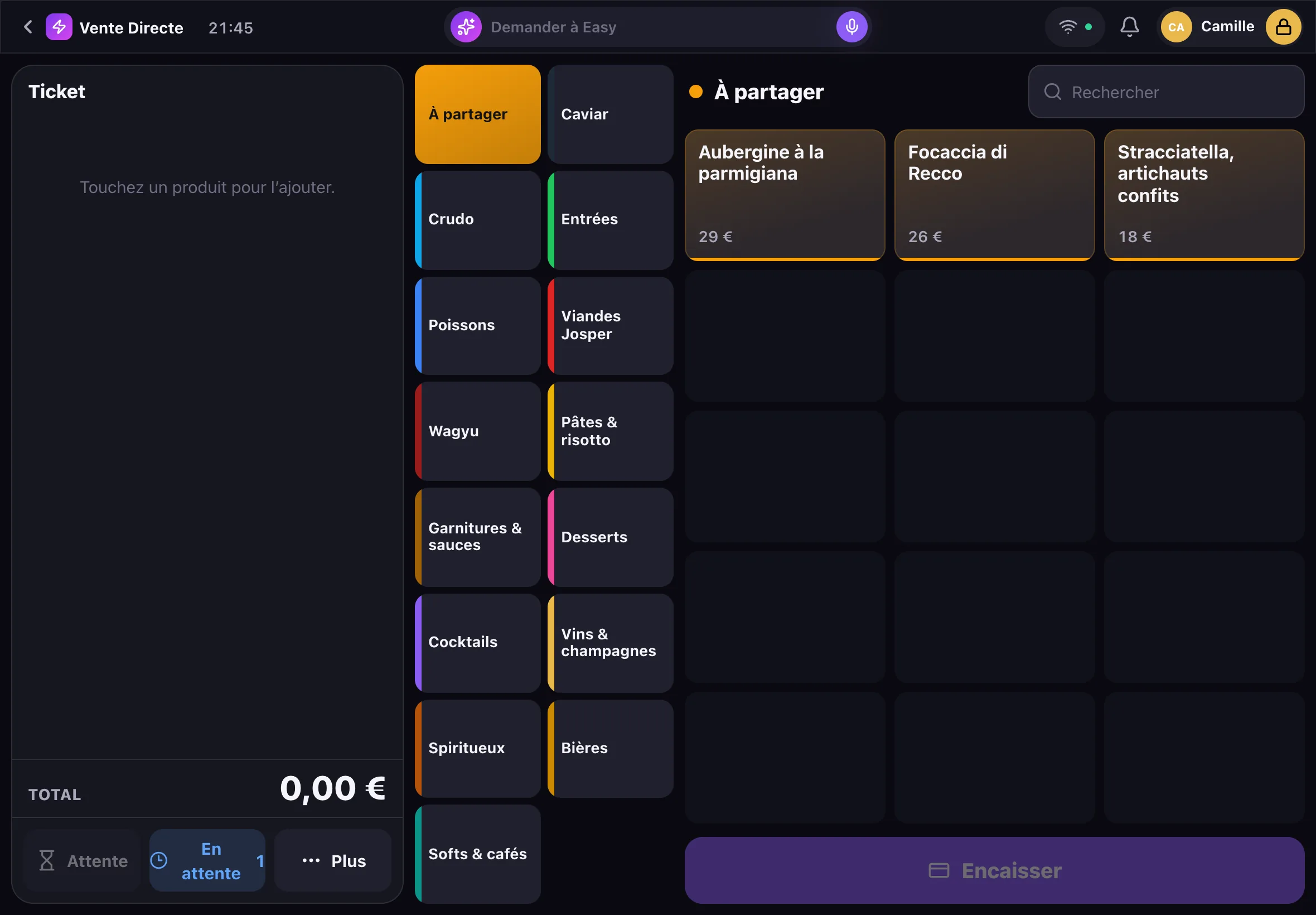
The iPad notices by itself: the server sends it a signal at regular intervals, and with no news it knows it is offline and tries to reopen the link. The top bar shows “Offline”. Meanwhile you keep taking orders, sending courses and taking payments.
Sales stay on the iPad, then go through
Every action taken offline is queued on the iPad in the order it happened, and kept even if the app is reloaded. When the link is back, the queue goes to the server, which numbers and logs each event like any other. The other iPads only see those actions at that point: the venue’s server is where they meet.
Signing in without a network
After each successful online sign-in, the iPad keeps what it needs to check that person’s code, never the code itself. That check is valid for 14 days and is only used if the server is unreachable: if the server answers, it has the final say. A profile that has never signed in on this iPad cannot get in offline, and five wrong codes block further tries for 15 minutes.
What needs the network
Easy, the voice-driven agent, needs the network to understand and answer. In an offline session, a person’s permissions are those of the last known list. And the till records the payment method chosen: it does not replace the card terminal, whose behaviour without a network depends on the terminal and its provider.
Frequently asked questions
Does the till work without internet?
For taking payments, yes: sales stay on the iPad and sync when the network is back. Easy, the voice agent, needs the network to understand and answer.
Are offline sales lost if the iPad restarts?
They are kept on the iPad until the server has received them, even if the app is reloaded, and then they go through by themselves.
Can staff sign in to the iPad without a network?
Yes, with their code, if they signed in online on that iPad within the last 14 days. A profile that has never signed in on that iPad cannot get in.
Do the other iPads see offline sales straight away?
No: while an iPad is offline, the others do not receive its actions. They receive them, in order, when the network is back.
Do I pay for offline mode?
No: the software is free, with no subscription or add-on. EasyClub will earn a small share of card payments made through its payment offer, at a rate disclosed before you commit to anything.
Free
Step into the future. It’s free.
An iPad demo, on request. You speak, Easy does the rest.